What Is llms.txt and Does Your Shopify Store Need One?
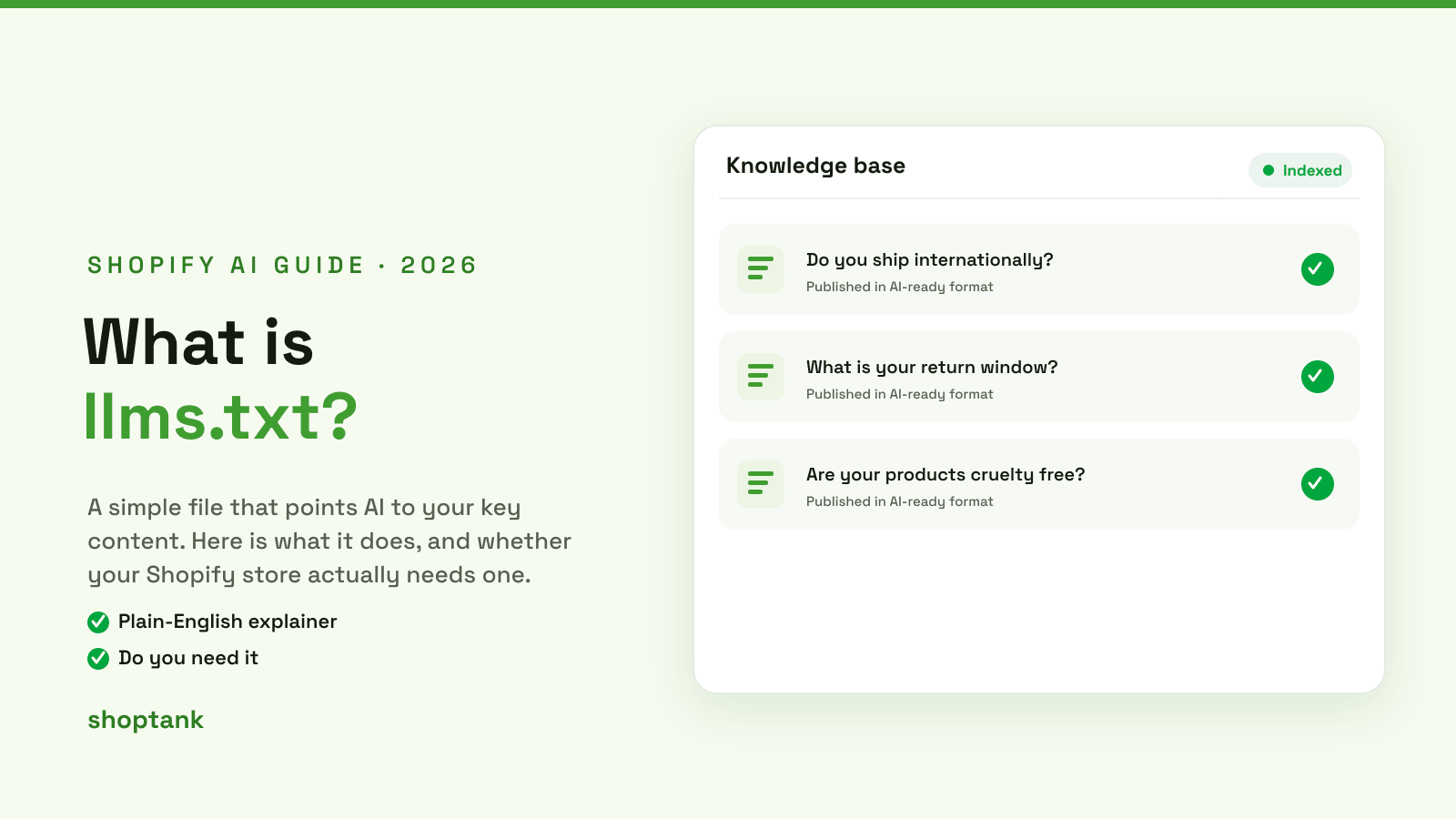
llms.txt keeps showing up in AI visibility advice, usually with the implication that your store is doomed without one. The reality is calmer. llms.txt is a small, sensible file that can help, but it is not a magic switch, and its adoption is still early. Here is what it actually is, whether your Shopify store needs one, and how to add it if you want to.
Key takeaways
- llms.txt is a plain-text file at your site root that points AI to your key content in a clean form.
- It is an emerging standard. Adoption across major AI engines is still early, so treat it as a cheap addition, not a requirement.
- The bigger AI visibility wins for a store are structured data and the Shopify Catalog, which is where to spend real effort.
On this page
What llms.txt is
llms.txt is a proposed standard: a plain-text file you put at yourstore.com/llms.txt that hands AI systems a curated map of your most important content. Instead of making an assistant crawl and guess its way around your site, you point it at the pages that matter, in a format that is easy to read. It is deliberately simple, closer to a friendly index than a technical config.
llms.txt vs robots.txt
The two files are often confused, but they do nearly opposite jobs.
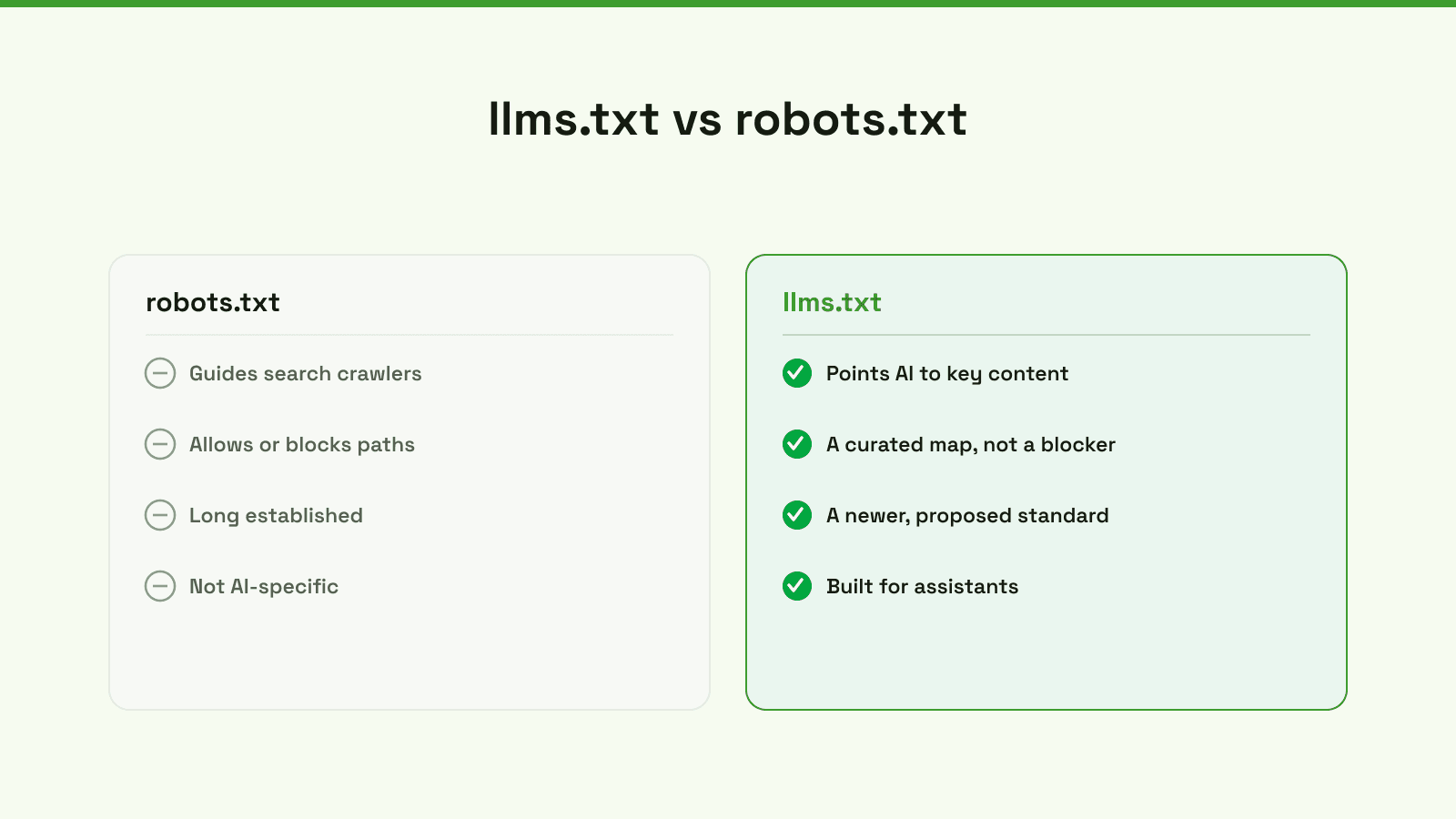
robots.txt is a long-established file that tells search crawlers which paths they may or may not visit. llms.txt is newer and points AI toward the content you most want understood. One is a gate; the other is a curated map. You can, and often should, have both. For the crawler side, see our guide on how to optimize for AI search.
Does your store need one
Honest answer: it is a nice-to-have, not a requirement. Because adoption of llms.txt is still emerging, you should not expect it to flip a switch on your visibility. It is cheap to add and does no harm, so if you like being early on standards, go ahead. But it is not where the leverage is. For a Shopify store, the things that actually decide whether AI recommends you are your product data, your categories, and the Shopify Catalog, not a single text file.
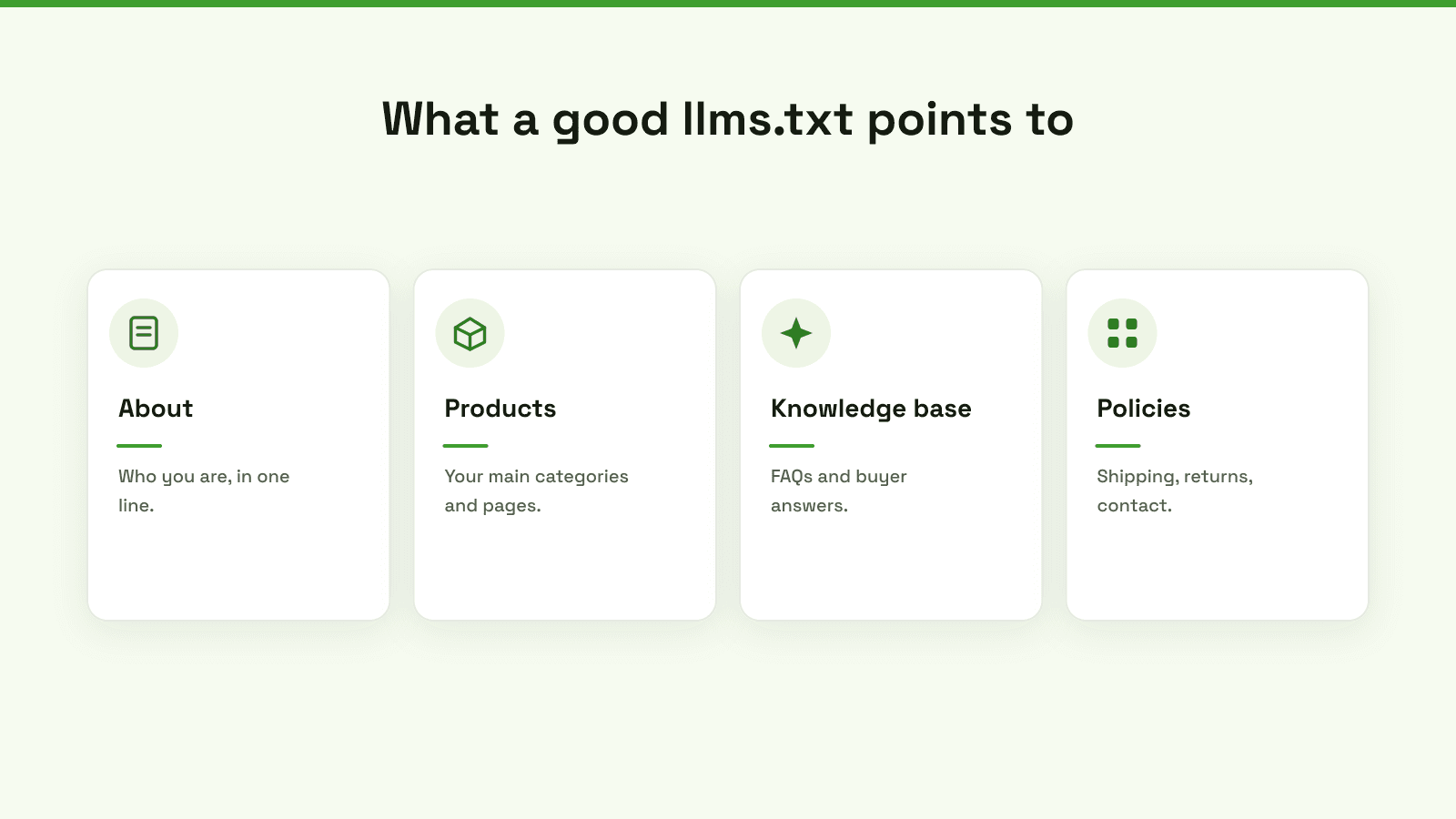
If you do add one, keep it short and useful: who you are in a line, links to your main categories and key pages, your knowledge base, and your policies.
How to add one
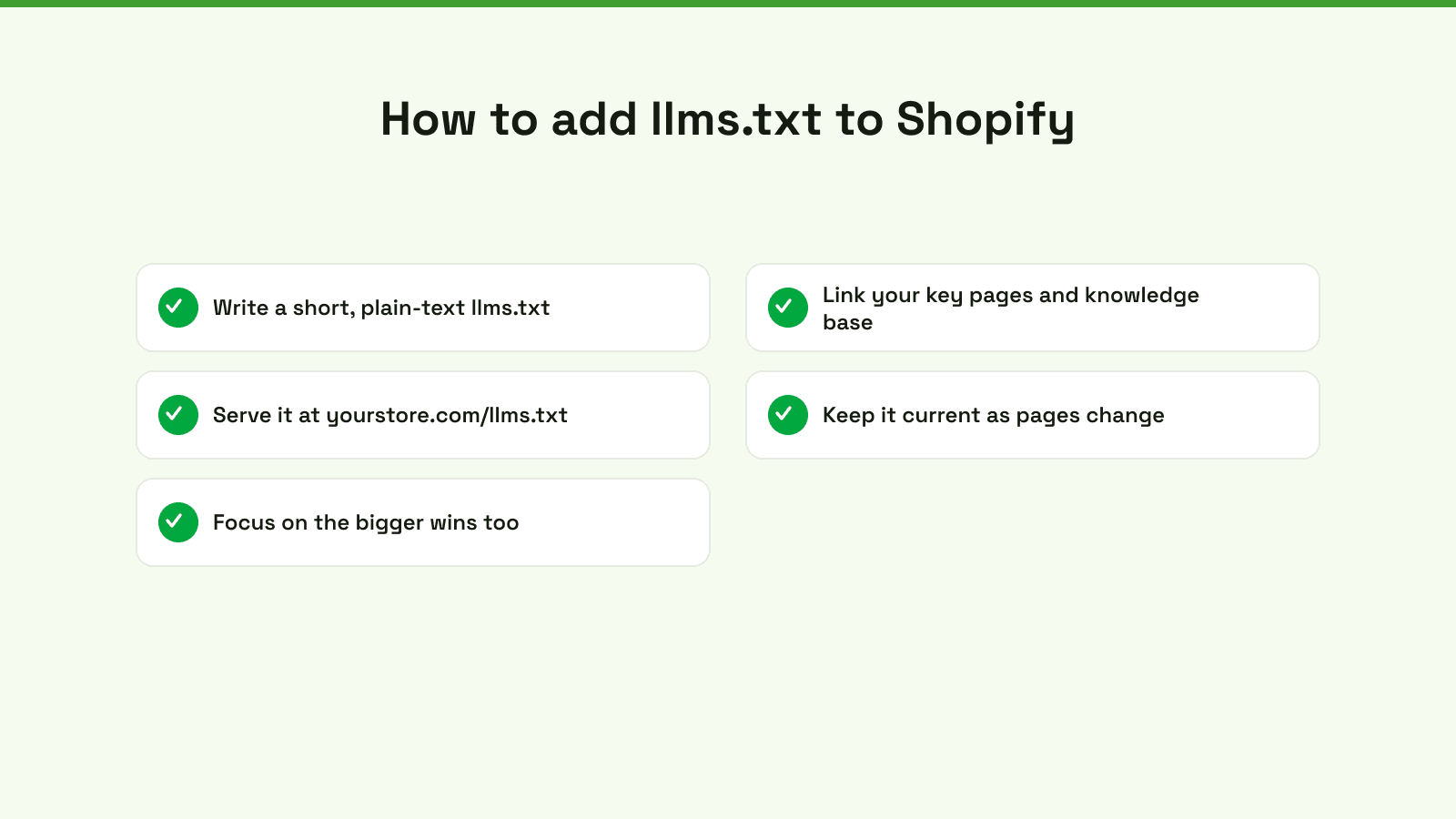
- Write a short, plain-text llms.txt. A description plus a handful of links. No need for anything fancy.
- Link your key pages and knowledge base. Point to what you want an assistant to read first.
- Serve it at yourstore.com/llms.txt. Shopify does not make root files easy, so you may need an app or a redirect to hit that exact path.
- Keep it current. Update it as your pages change, or it drifts out of date.
- Spend your real effort on the bigger wins. Structured data, categories and the Catalog matter more.
Those bigger wins are where a tool earns its keep. Shoptank focuses on the parts that move AI visibility, building the knowledge base assistants read, fixing product data, and tracking where you actually rank, so you can see what is working. To go deeper, see answer engine optimization, adding schema markup, and the best AI visibility tools for Shopify.
Add llms.txt if you want to be tidy and early. Just do not mistake it for the work that actually gets you recommended. On Shopify, you can measure that for free.