How to Create a Shopify Store with ChatGPT
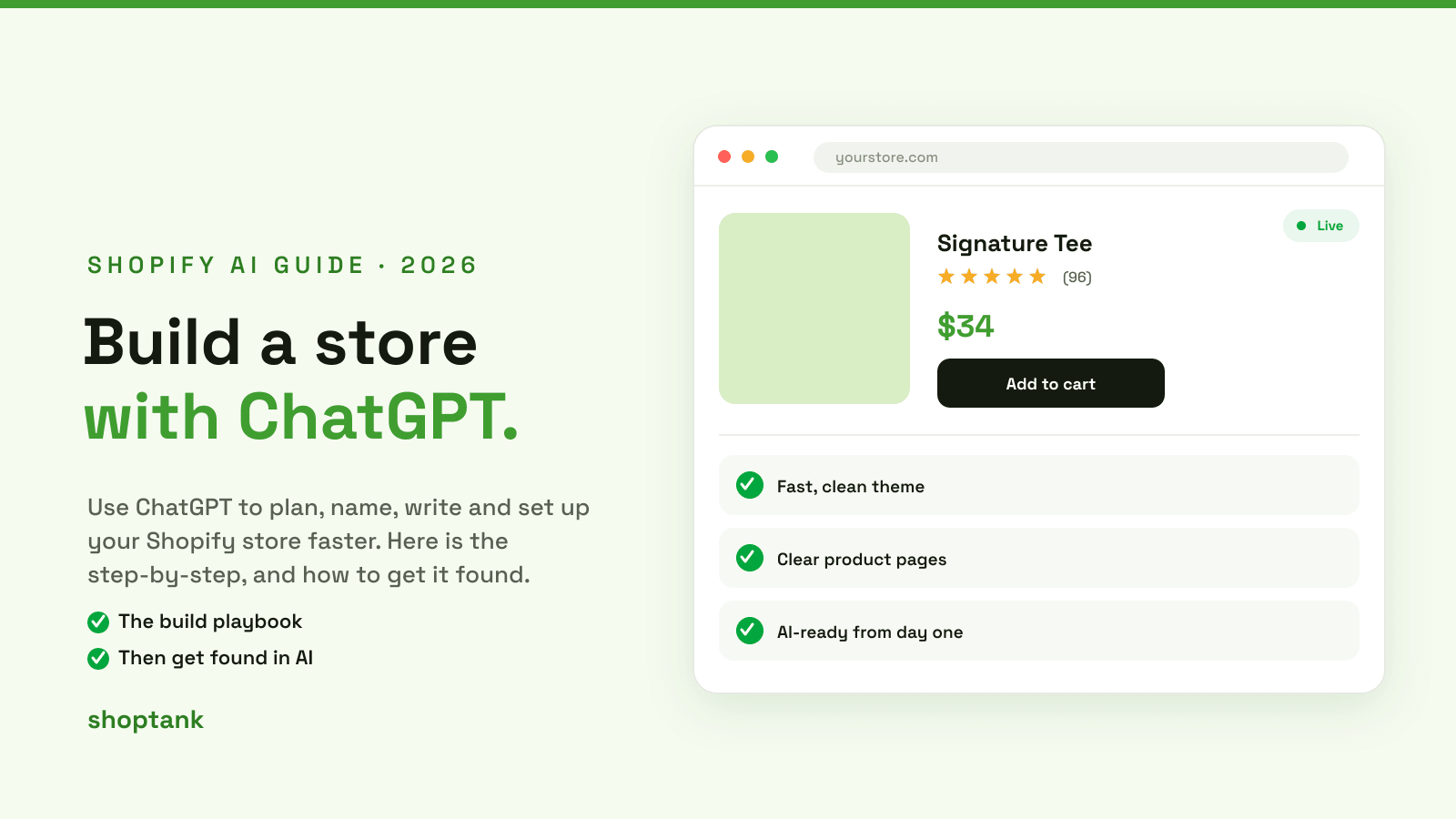
You do not have to build a Shopify store alone anymore. Used well, ChatGPT is a fast co-pilot for the whole process, from picking a niche to writing every product description. It will not build the store in one click, but it will save you days. Here is how to create a Shopify store with ChatGPT, and, just as important, how to make sure AI recommends it once it is live.
Key takeaways
- ChatGPT is a co-pilot, not a builder. It helps you plan, write, and generate code, but you assemble the store in Shopify.
- Its best uses are niche research, product copy, and theme snippets. Always test what it generates.
- Building with AI is only half the job. Getting found by AI is the other half, and where Shoptank comes in.
On this page
- What ChatGPT helps with
- Build your store, step by step
- What ChatGPT cannot do
- Now get your store found by AI
What ChatGPT helps with
ChatGPT is strongest at the thinking and writing around a store, and useful for the code.
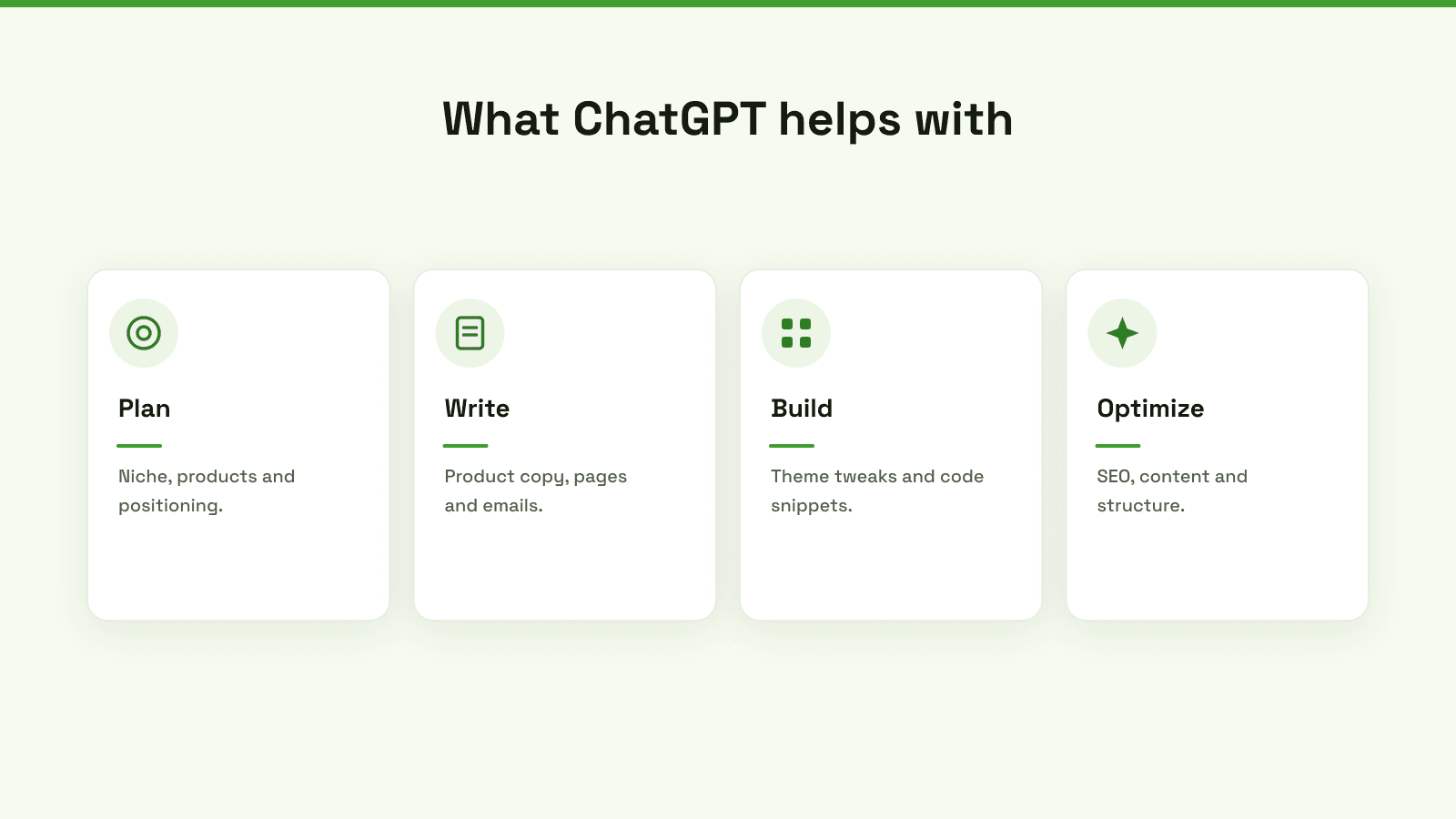
It can plan your niche and positioning, write product copy and pages, generate theme tweaks and snippets, and help with SEO and structure. What it does not do is replace Shopify, host your store, or ship tested code on its own. Keep it in the co-pilot seat.
Build your store, step by step
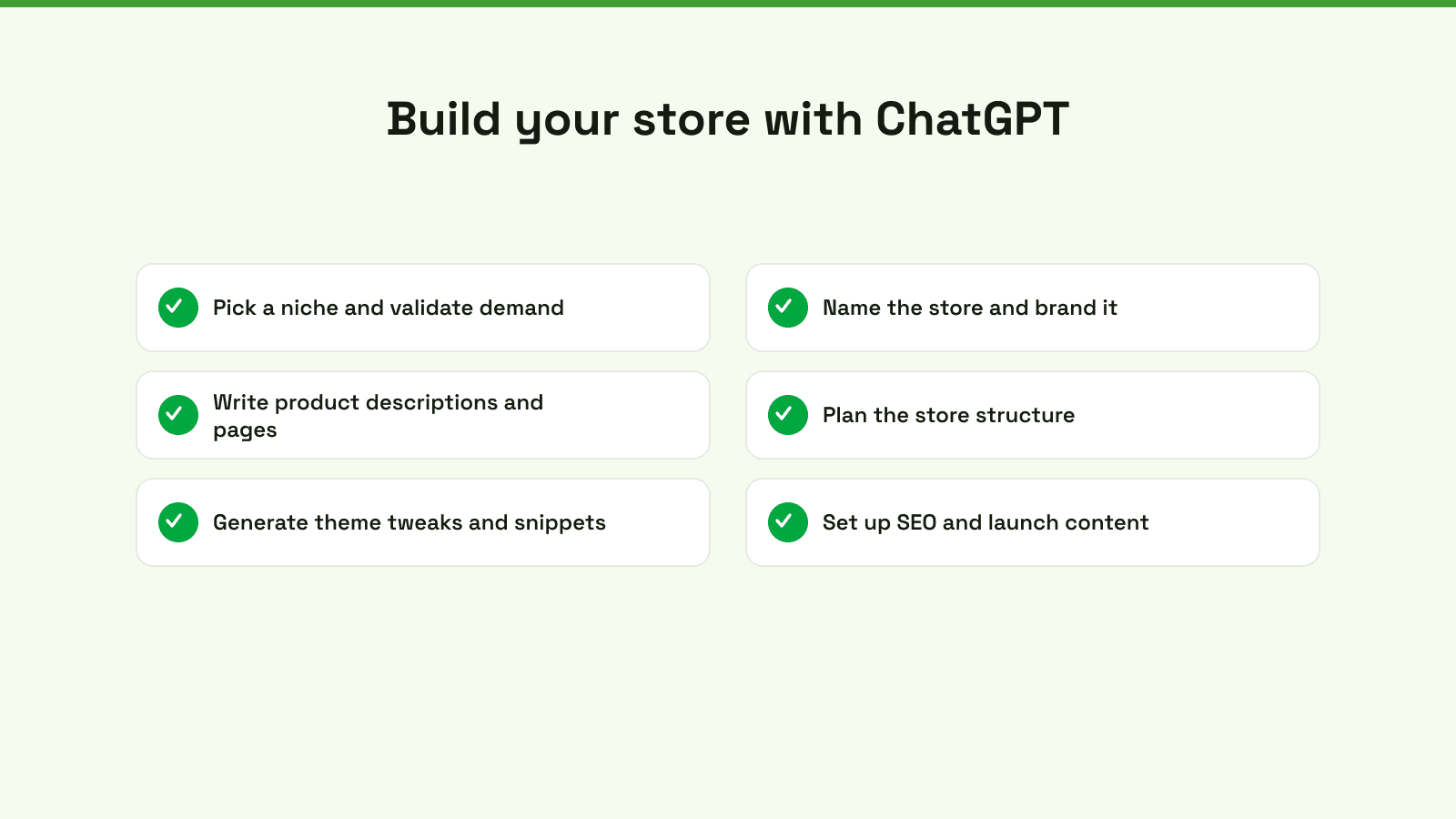
- Pick a niche and validate demand. Ask ChatGPT to brainstorm niches and pressure-test them. A good prompt: act as an ecommerce advisor and suggest five niches for [your interest], with the demand and competition for each.
- Name the store and brand it. Have it generate brandable names, then check availability. See our guide to picking a good domain name.
- Write product descriptions and pages. Feed it the product, the buyer and the features, and edit the drafts it returns.
- Plan the store structure. Ask for a sensible collection and navigation structure for your catalog.
- Generate theme tweaks and snippets. Ask for specific CSS or Liquid, apply it in a copy of your theme, and test.
- Set up SEO and launch content. Have it draft titles, meta descriptions and a few launch blog posts, then refine.
For the non-AI fundamentals of launching, see our guide on how to open a store.
What ChatGPT cannot do
Two honest cautions. First, it does not have your Shopify admin and cannot run or host your store, so it drafts and advises, it does not operate. Second, it can produce code and claims that look right but are wrong, so everything it generates needs testing before it goes live. Use it to move faster, not to skip verification.
Now get your store found by AI
Here is the part most build-with-ChatGPT guides miss. Building your store with AI does not mean AI will recommend it. When a shopper asks ChatGPT what to buy, it names a few stores, and a brand-new store is usually not one of them. Getting found is a separate job, and it is the one that brings sales.
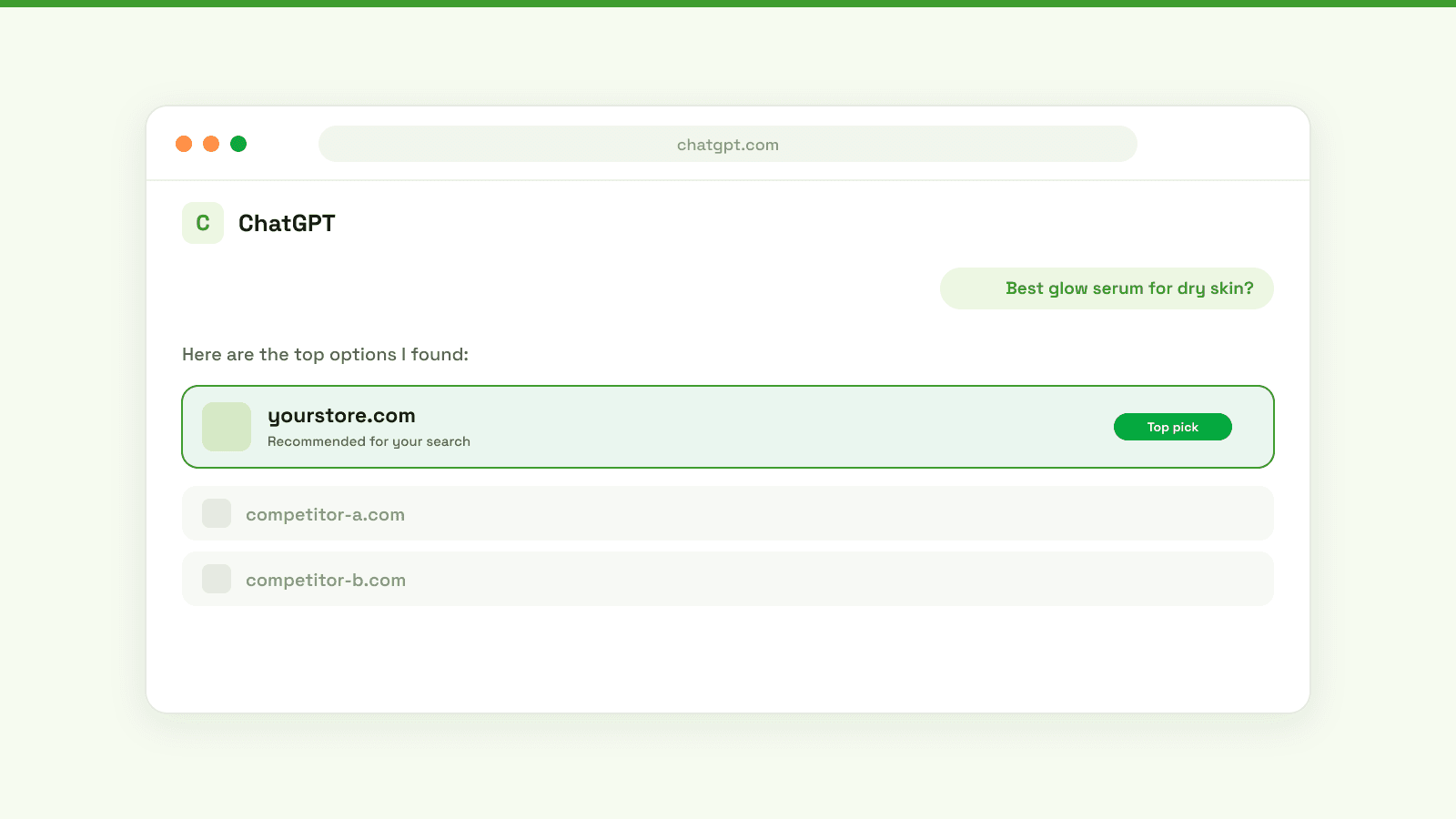
This is what Shoptank is for. It is a Shopify app that shows whether ChatGPT and Claude recommend your new store, who they recommend instead, and drafts the fixes to change that, from product data to a knowledge base. It has a free plan, so the day you launch you can see exactly where you stand. To go deeper, see why ChatGPT skips a store, how to connect your store to ChatGPT, and the best AI visibility tools for Shopify.
Not sure which platform to build on? Start with our guide to the best ecommerce platform for 2026.
Build it with AI, then get it found by AI. On Shopify, you can check where you stand for free.