How to Connect Your Shopify Store to ChatGPT
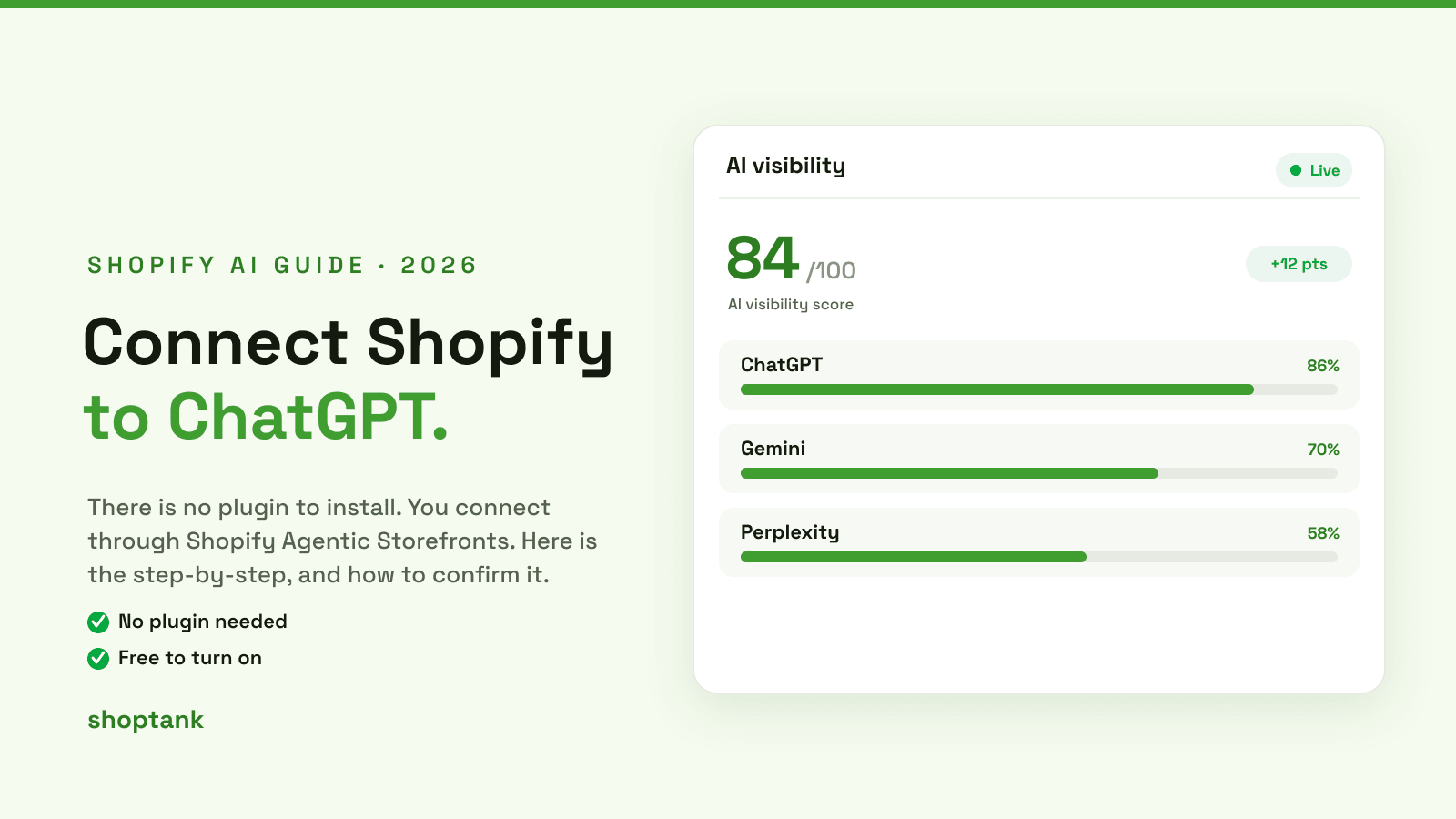
Searching for how to connect your Shopify store to ChatGPT turns up a lot of noise about plugins, APIs and custom code. The real answer is simpler. You connect through Shopify's own Agentic Storefronts, it is free, and there is nothing to install. Here is how to do it, and how to confirm it worked.
Key takeaways
- You connect Shopify to ChatGPT by turning on Agentic Storefronts. No plugin, no API, no code.
- It is free to turn on. Shopify only charges when a product sells.
- Connecting makes you eligible, not recommended. Shoptank shows whether ChatGPT actually names you.
On this page
- What connecting actually means
- How to connect, step by step
- How to confirm it worked
- Connected but not showing up
What connecting actually means
There is no ChatGPT plugin you bolt onto Shopify. Instead, Shopify runs Agentic Storefronts, which syndicates your products into a shared catalog that AI shopping surfaces read from. When you turn it on, ChatGPT can see and recommend your products. When it is off, you are simply not in the feed, so no amount of prompting will surface you.

For the deeper mechanics of that feed, see our guide on how the Shopify AI Catalog works.
How to connect, step by step
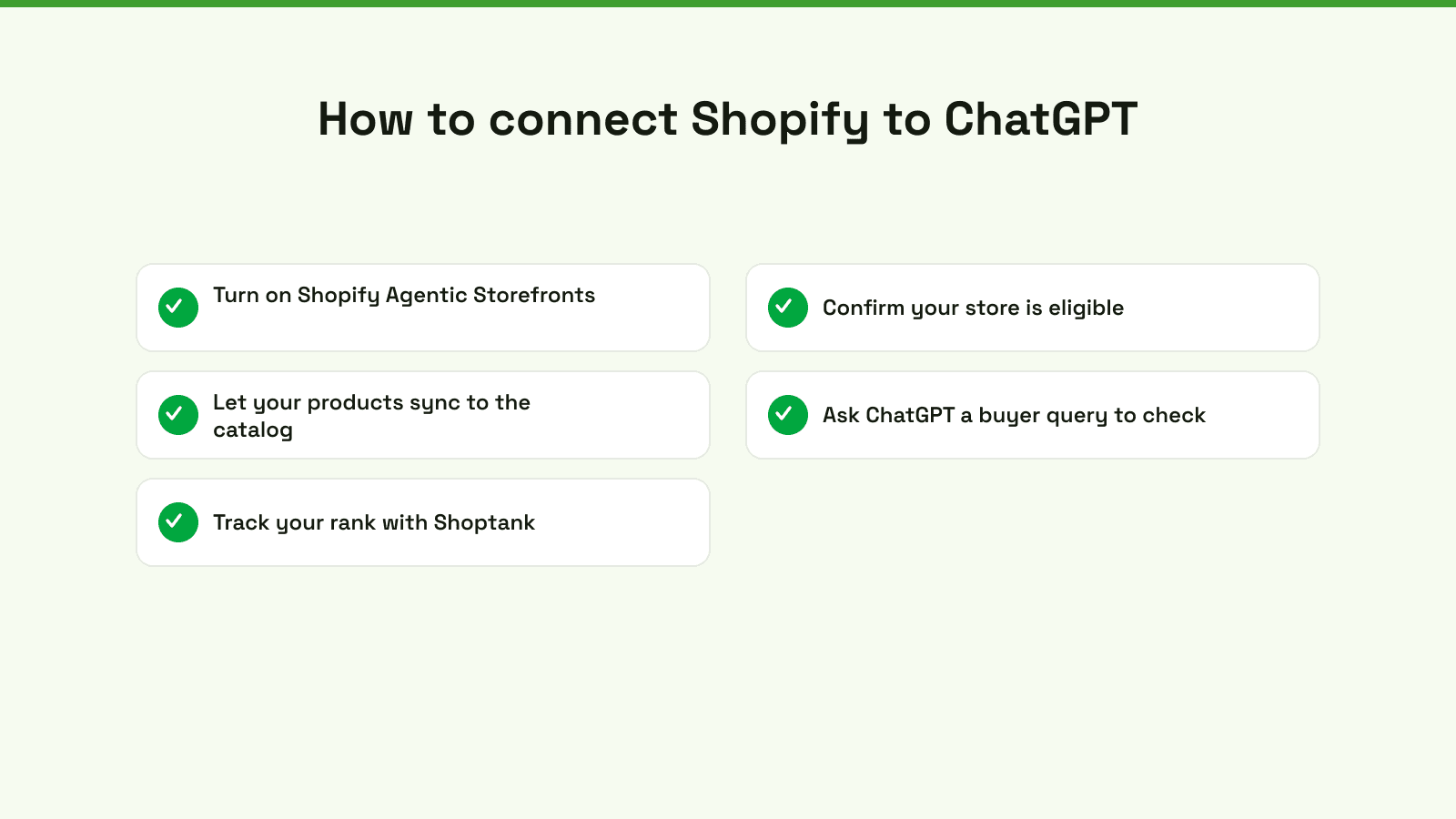
- Turn on Shopify Agentic Storefronts. This is the connection. It is free and built in.
- Confirm your store is eligible. Shopify has eligibility rules for AI shopping, so check that your store and products qualify.
- Let your products sync to the catalog. Give it time to syndicate. Products with complete data sync cleanest.
- Ask ChatGPT a buyer query to check. Type a question a shopper would ask and see whether your store appears.
- Track your rank. Use Shoptank to see, across many queries, whether you are named and where you place.
How to confirm it worked
The quickest check is to ask ChatGPT what a buyer would ask and look for your store. But one query is not proof. Your position changes by query and by engine, so to really confirm you are connected and visible, Shoptank runs your buyer queries for you and records whether you were mentioned, whether you were cited, and your position across ChatGPT, Claude and the Shopify Catalog.
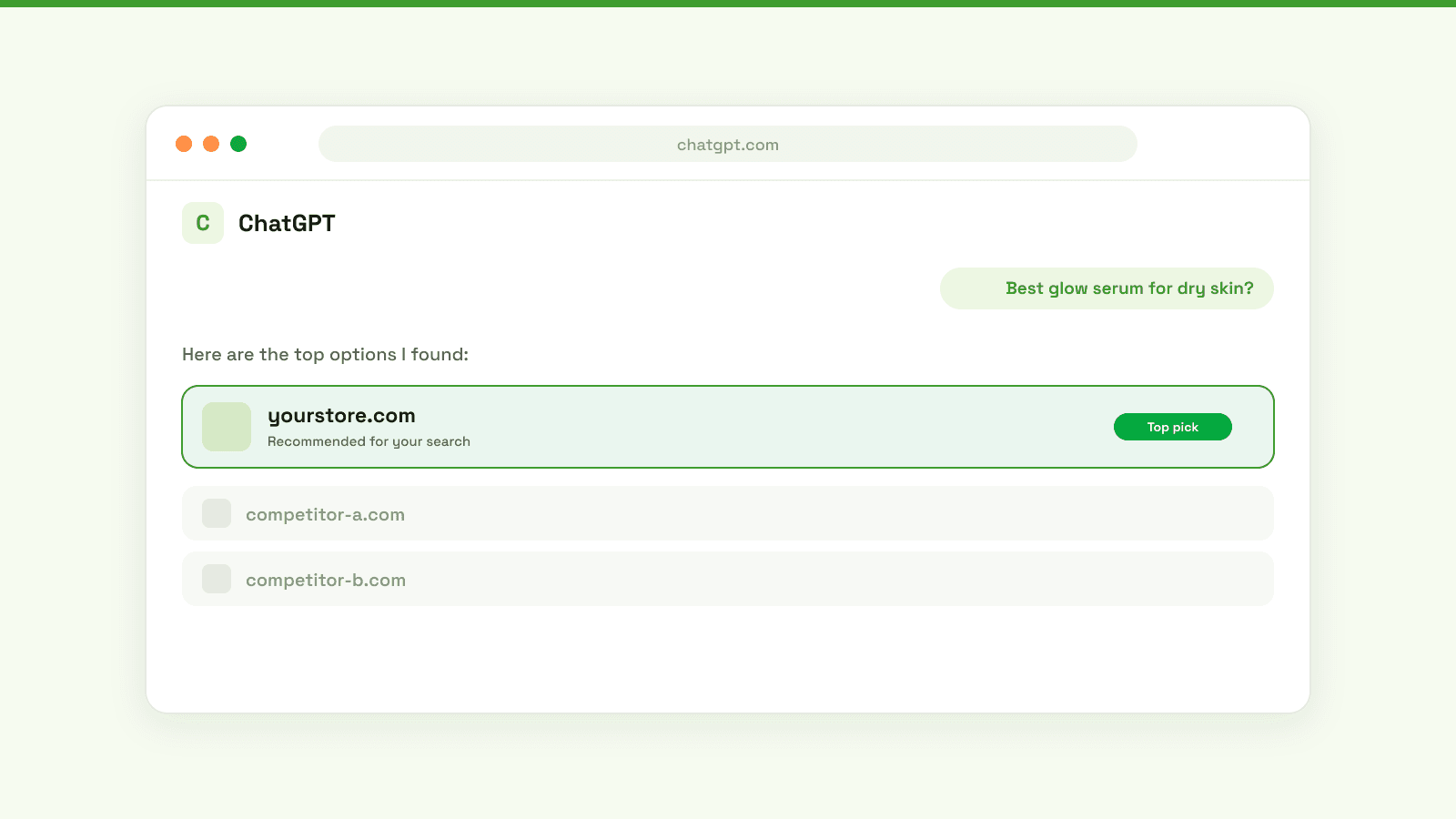
To track ChatGPT specifically over time, see how to track your rank in ChatGPT.
Connected but not showing up
This is the most common surprise. Connecting makes you eligible, but ChatGPT still only recommends stores it understands and trusts. If you are connected and still invisible, the fix is almost always your product data. Next, learn how to add your products to ChatGPT so they actually show, and see why ChatGPT skips a store. To compare the tools that help, see the best AI visibility tools for Shopify.
Connecting is the easy part, and it is free. Turn it on, then confirm you are actually visible. On Shopify, you can check free.