How to Add Your Shopify Products to ChatGPT
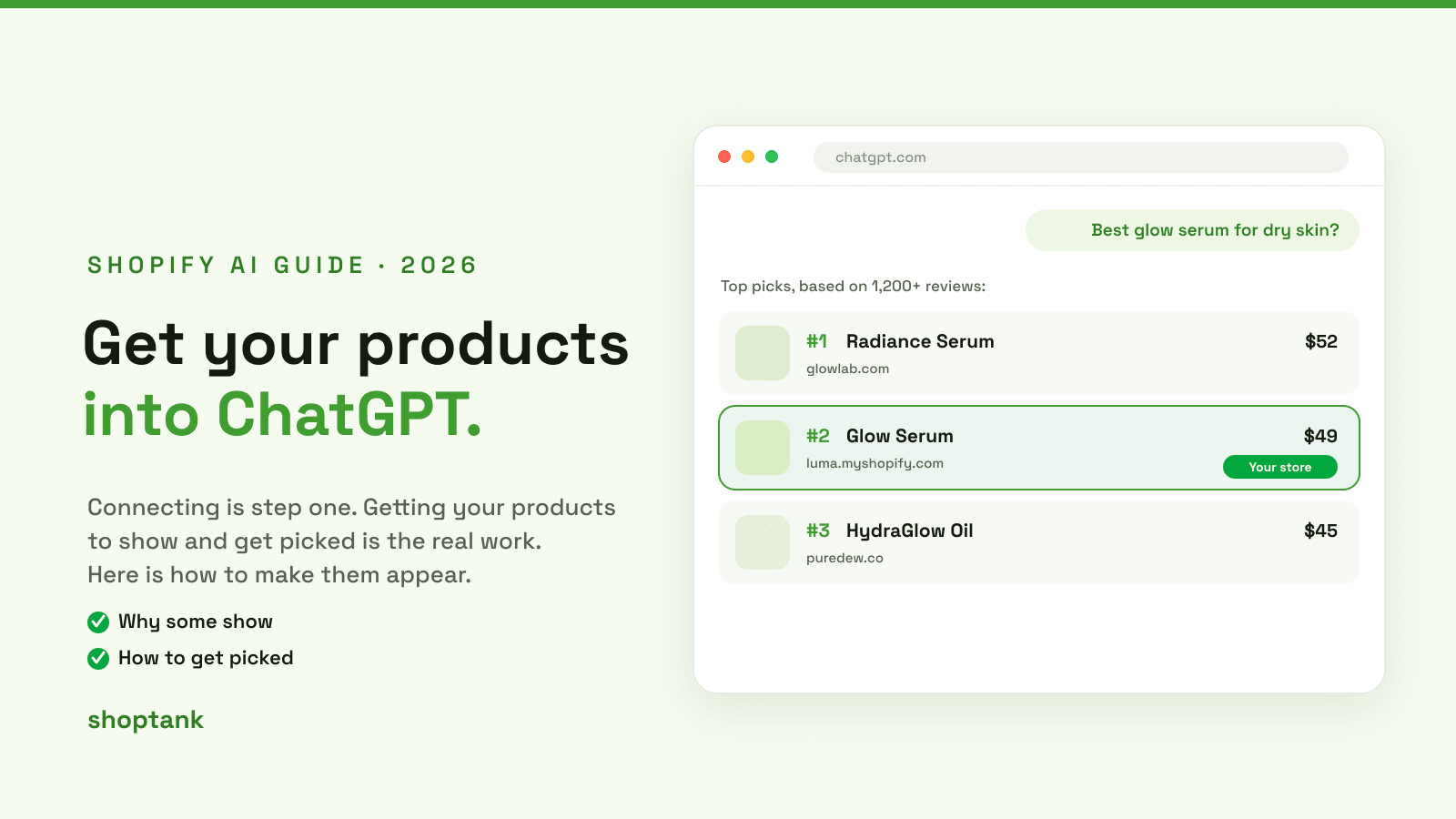
Connecting your store to ChatGPT is the easy part. The real work is getting your actual products to show up and get picked when a shopper asks what to buy. Some of your products will appear, others will not, and the difference is almost always the product data. Here is how to add your Shopify products to ChatGPT so they show.
Key takeaways
- Products appear in ChatGPT when their data is complete and well categorized, so the catalog understands them.
- Thin titles, missing attributes or the wrong category are why a product is skipped.
- Shoptank shows which products are appearing and which are missing, per query, free to start.
On this page
- Why some products show and others do not
- How to add your products
- How to see which products show
- Getting picked, not just shown
Why some products show and others do not
First, make sure your store is connected by turning on Agentic Storefronts. If you have not, start with connecting your Shopify store to ChatGPT. Once connected, whether an individual product appears comes down to its data.
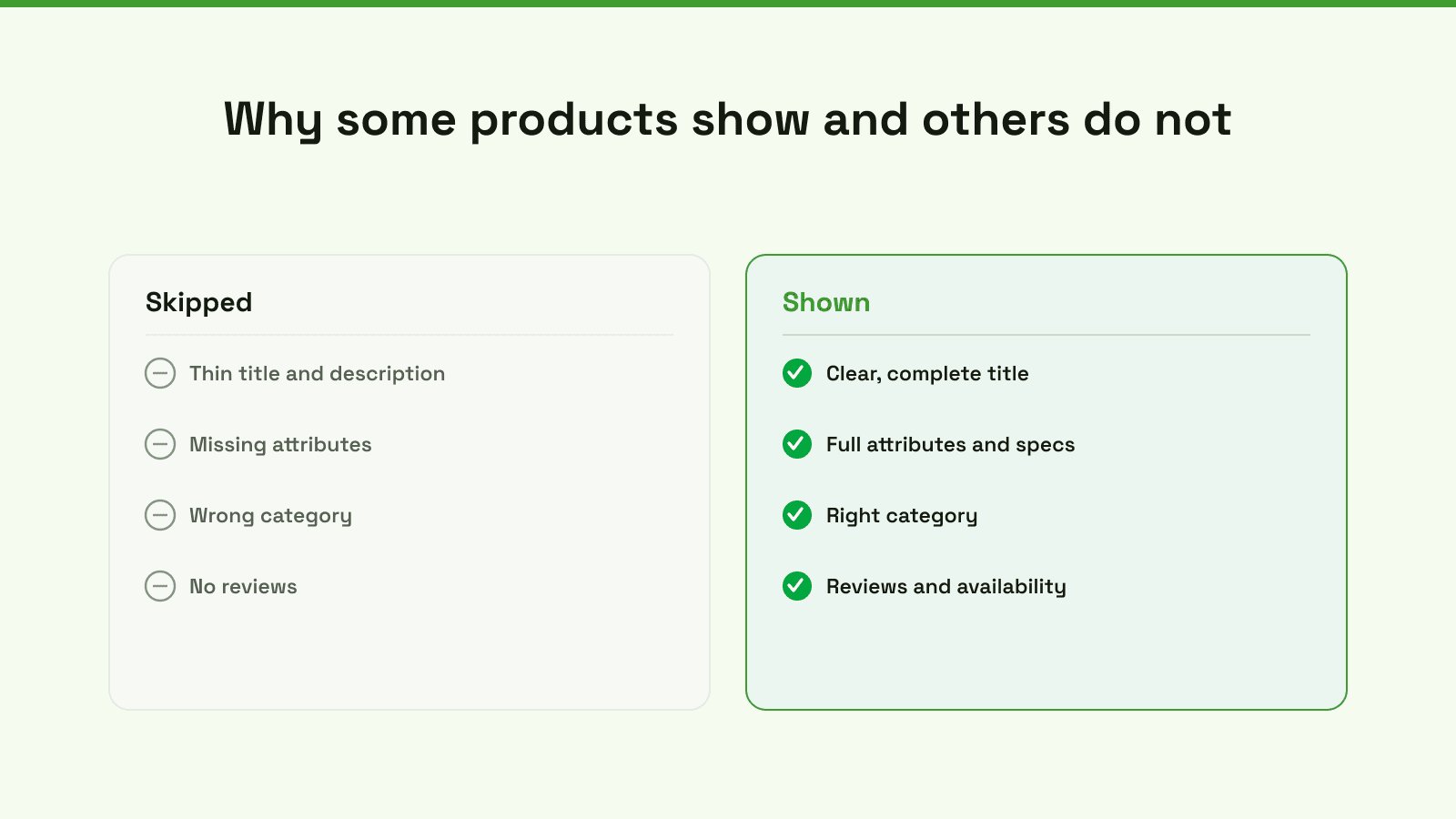
The catalog is only as good as what you feed it. A product with a clear title, full attributes and the right category can be matched to a shopper's question. A product with a two-word title and no attributes cannot, so it is skipped even if it is exactly what the shopper wants. This is also the story behind our post on the ChatGPT shopping catalog and why stores are not in it.
How to add your products
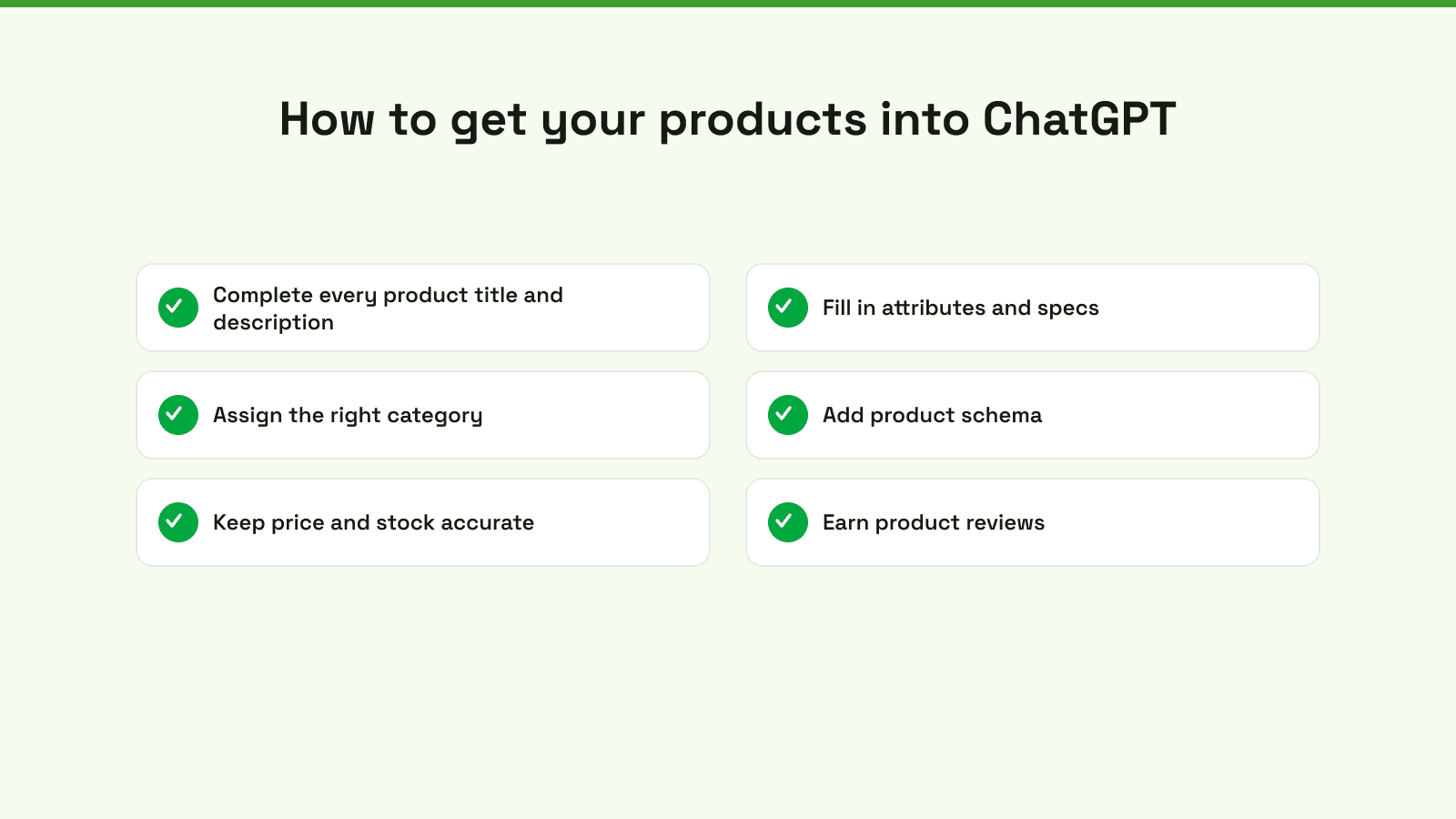
- Complete every title and description. Say what it is, who it is for, and the problem it solves.
- Fill in attributes and specs. Size, material, color, use case, whatever a shopper would ask.
- Assign the right category. The wrong taxonomy hides a product from searches it should win.
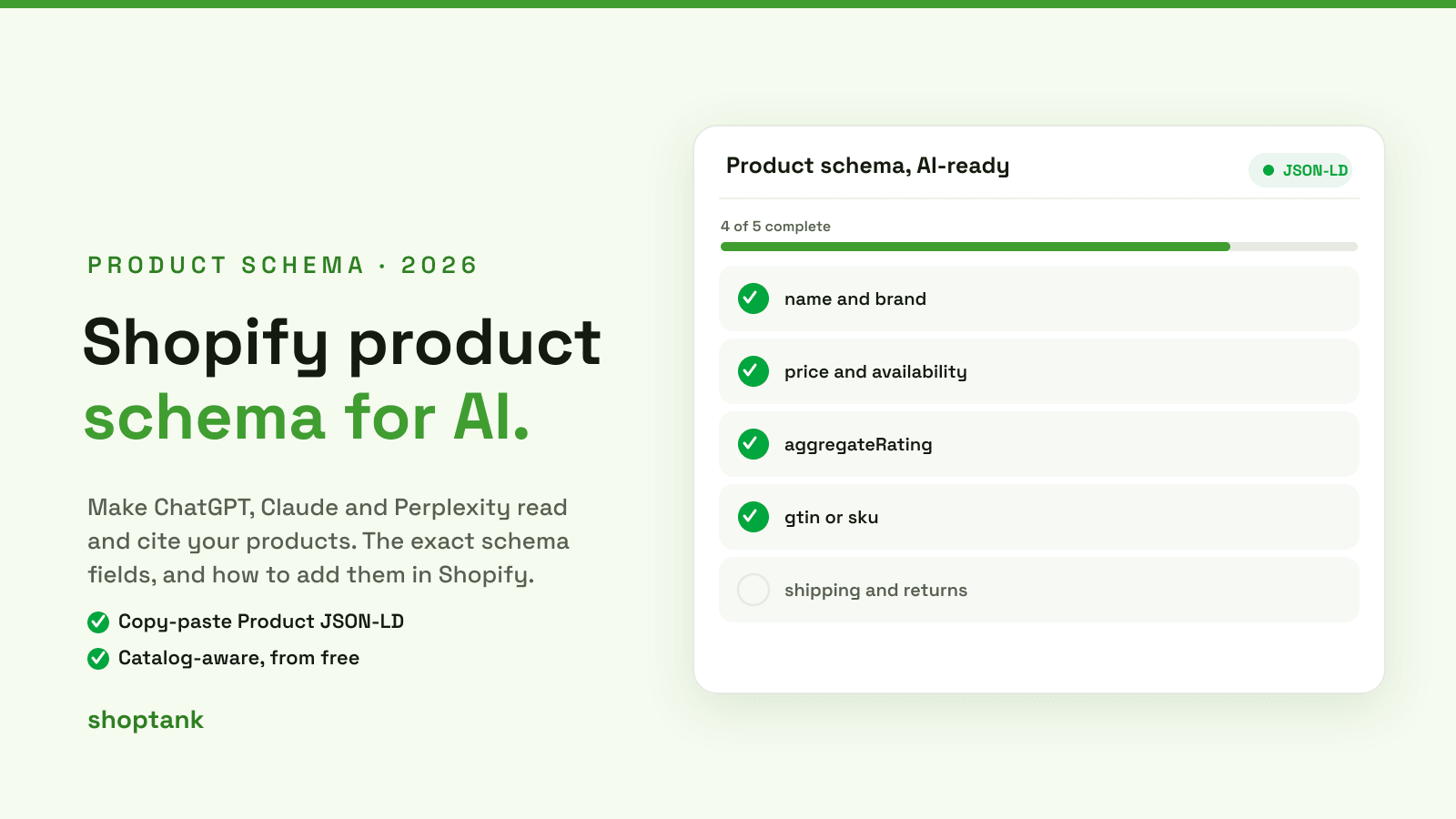
- Add product schema. Make the page machine-readable. See adding schema markup.
- Keep price and stock accurate. AI shopping favors products it can actually sell right now.
- Earn product reviews. Reviews are a trust signal that tips the pick your way.
How to see which products show
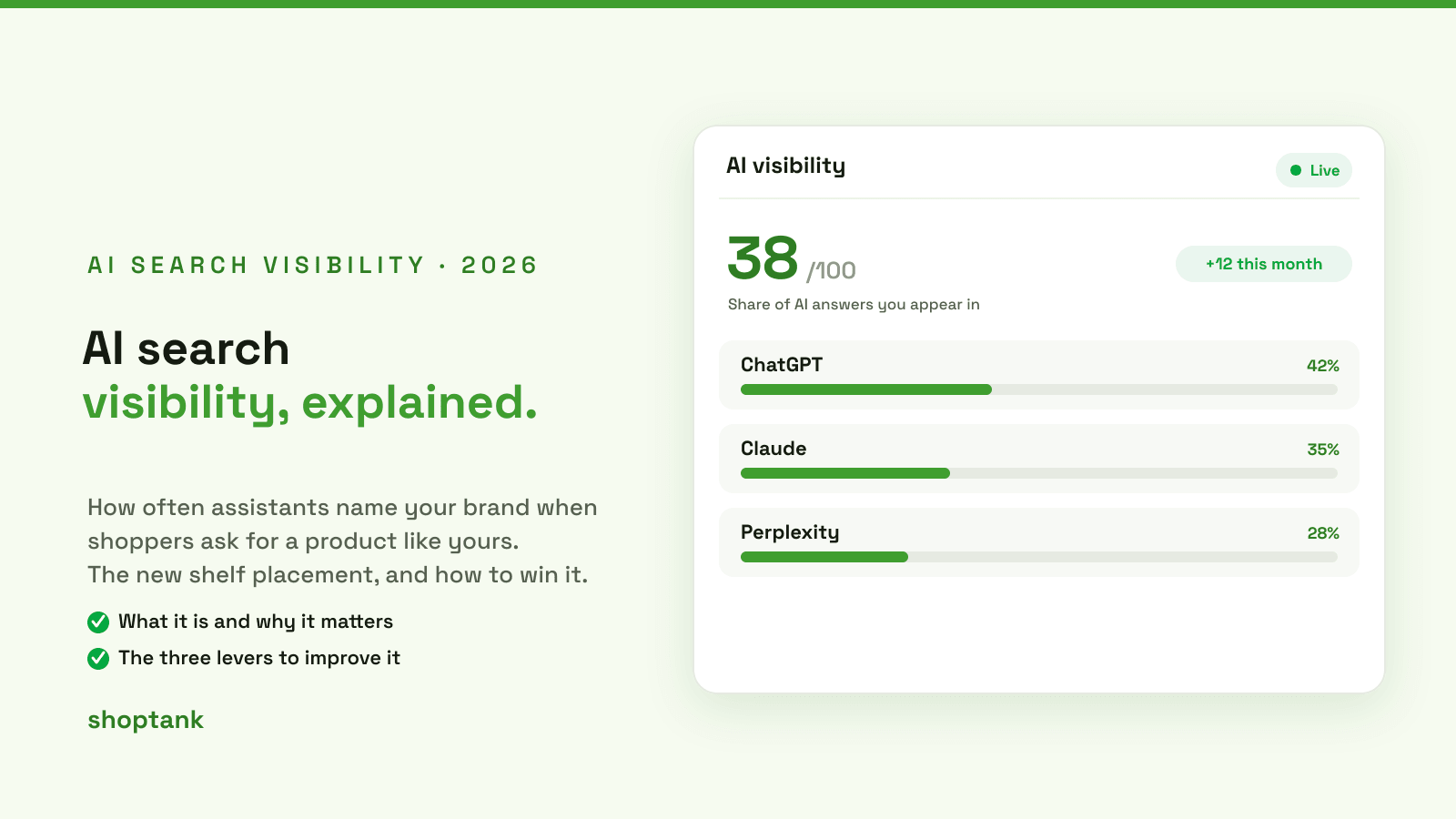
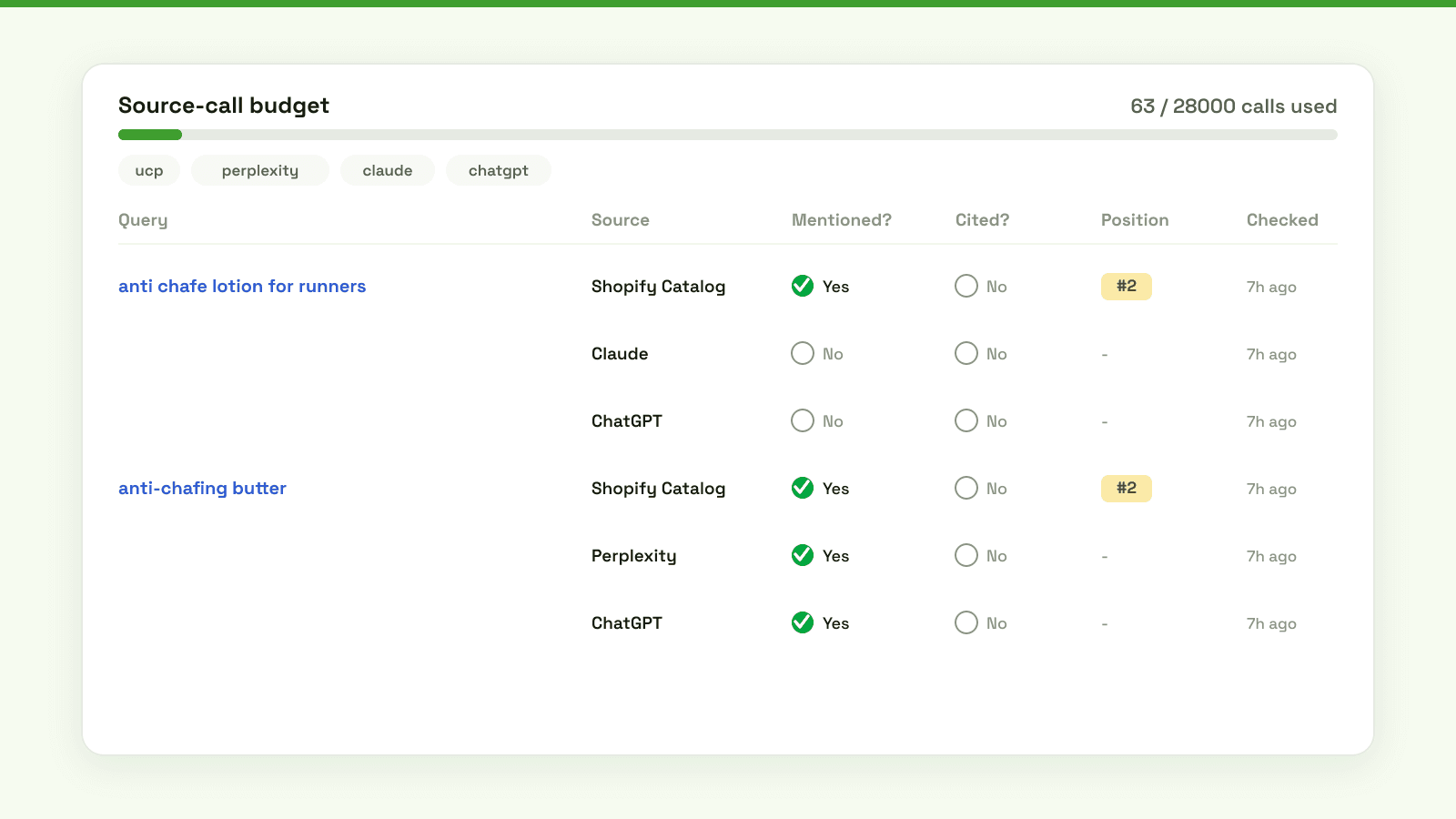
Once your data is clean, check the result. Run the buyer queries each product should win and read the answers. Doing that by hand across your catalog is not realistic, so Shoptank tracks it for you: for each query it records whether you were mentioned, whether you were cited, and your position, so you can see exactly which products appear and which are still missing.
Getting picked, not just shown
Appearing is not the same as being the pick. When your product is eligible but a competitor is chosen, the gap is usually data completeness, category fit or trust signals. Work those and you move from shown to recommended. For the full playbook, see why ChatGPT skips a store, and to track your position over time, see how to track your rank in ChatGPT.
The fastest way to know if your products are in ChatGPT is to check. On Shopify, you can do that free.