How to Fix Your Shopify Product Taxonomy and Metafields for AI Visibility
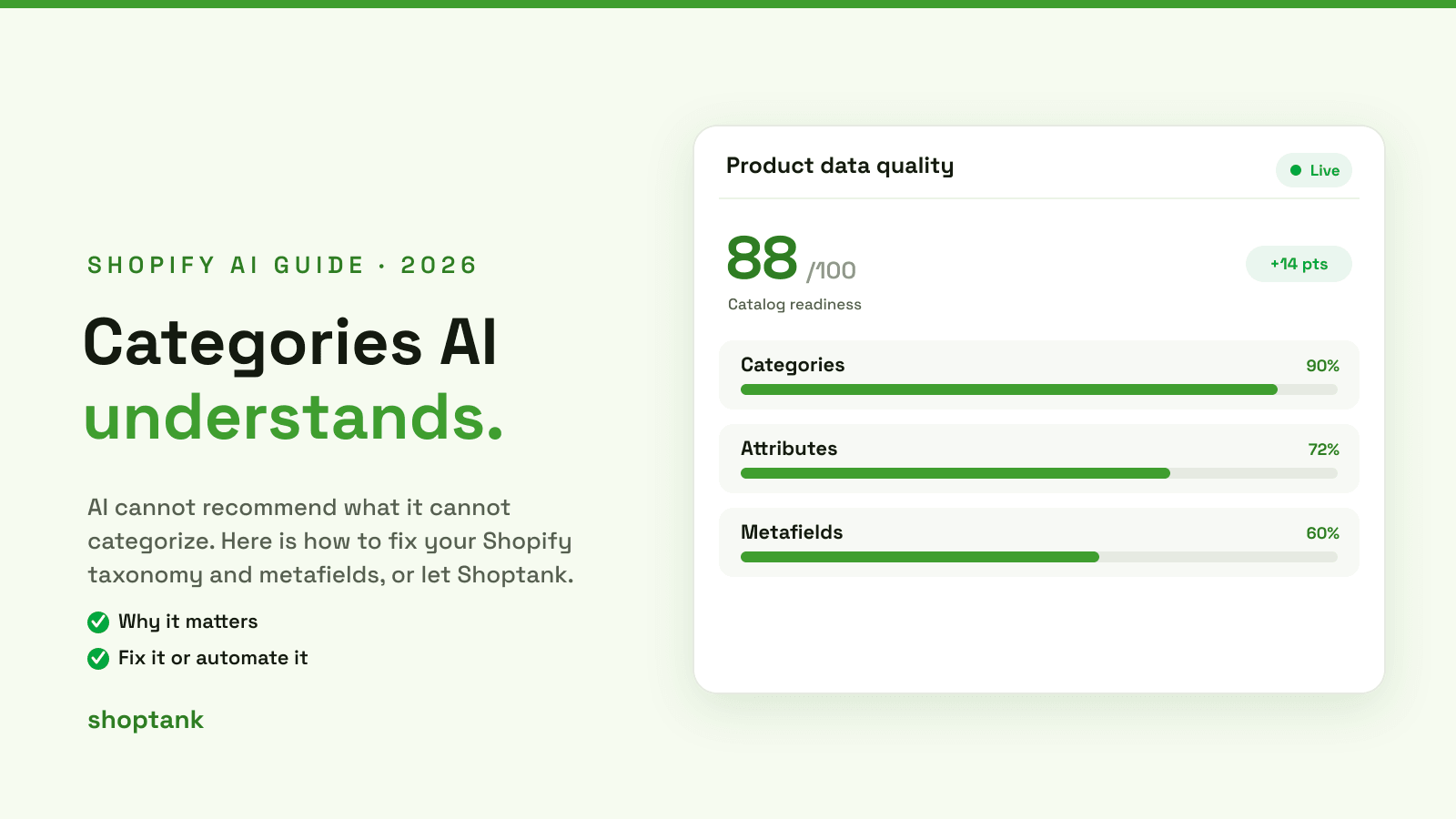
Here is a frustrating truth about AI shopping: your best product can be completely invisible, not because it is bad, but because the catalog cannot tell what it is. AI cannot recommend a product it cannot categorize. Wrong categories and empty metafields are one of the top reasons a store gets skipped. Here is how to fix your Shopify taxonomy and metafields, or hand it to Shoptank.
Key takeaways
- AI matches products by category and structured data. A wrong category hides a product from searches it should win.
- Metafields hold the details that let the catalog understand a product precisely, so filled metafields raise your odds.
- You can fix it by hand, or let Shoptank's product optimizer categorize your catalog with AI. Free to start.
On this page
Why taxonomy and metafields matter
When AI shops the Shopify Catalog, it does not read your product page like a person. It reads structured data: the category, the attributes, the metafields. Those are what let it decide whether your product answers a shopper's question.

Get those right and the catalog can place your product exactly. Get them wrong and it cannot, so it recommends a competitor it does understand. For the bigger picture, see how the universal catalog ranking works and our guide to data quality.
What goes wrong

The usual problems are simple and common. Products sit in a generic or wrong category. Metafields are empty, so the catalog has no idea about material, size or use. Attributes the category expects are missing. Each one is a reason the catalog cannot confidently match your product to a query, so it leaves you out. The good news is that every one of these is fixable.
How to fix it

- Audit your catalog for gaps. Find products with a missing or generic category and empty metafields.
- Map products to Shopify's standard taxonomy. Put each product in the correct category so the catalog can place it.
- Fill the required metafields. Material, size, use case, compatibility, whatever a shopper would ask about.
- Add product attributes and specs. Complete the details the category expects.
- Add product schema. Make the page machine-readable. See adding schema markup.
- Handle the long tail. A small catalog you can fix by hand. A large one is where automation earns its keep.
How Shoptank does it for you
Fixing taxonomy by hand across hundreds of products is exactly the kind of work you want to automate. Shoptank's product optimizer categorizes your products with AI, mapping them to the right taxonomy and flagging the attributes and metafields that are missing, so you can fix the whole catalog instead of one product at a time. Then it tracks your rank, so you can watch corrected products move from missing to recommended.
To see the lift, re-test the queries your products should win. Shoptank records your position per query and per engine over time, which turns a taxonomy fix into a visible result. If products are still skipped after the fix, our guide on why ChatGPT skips a store covers the remaining causes, and you can also learn how to add your products to ChatGPT. To compare the tools, see the best AI visibility tools for Shopify.
Clean taxonomy is one of the biggest, most controllable wins for AI visibility. Fix it, or let Shoptank do it. On Shopify, you can start free.