How Shopify's Universal Catalog Ranking Works (and How to Monitor It)
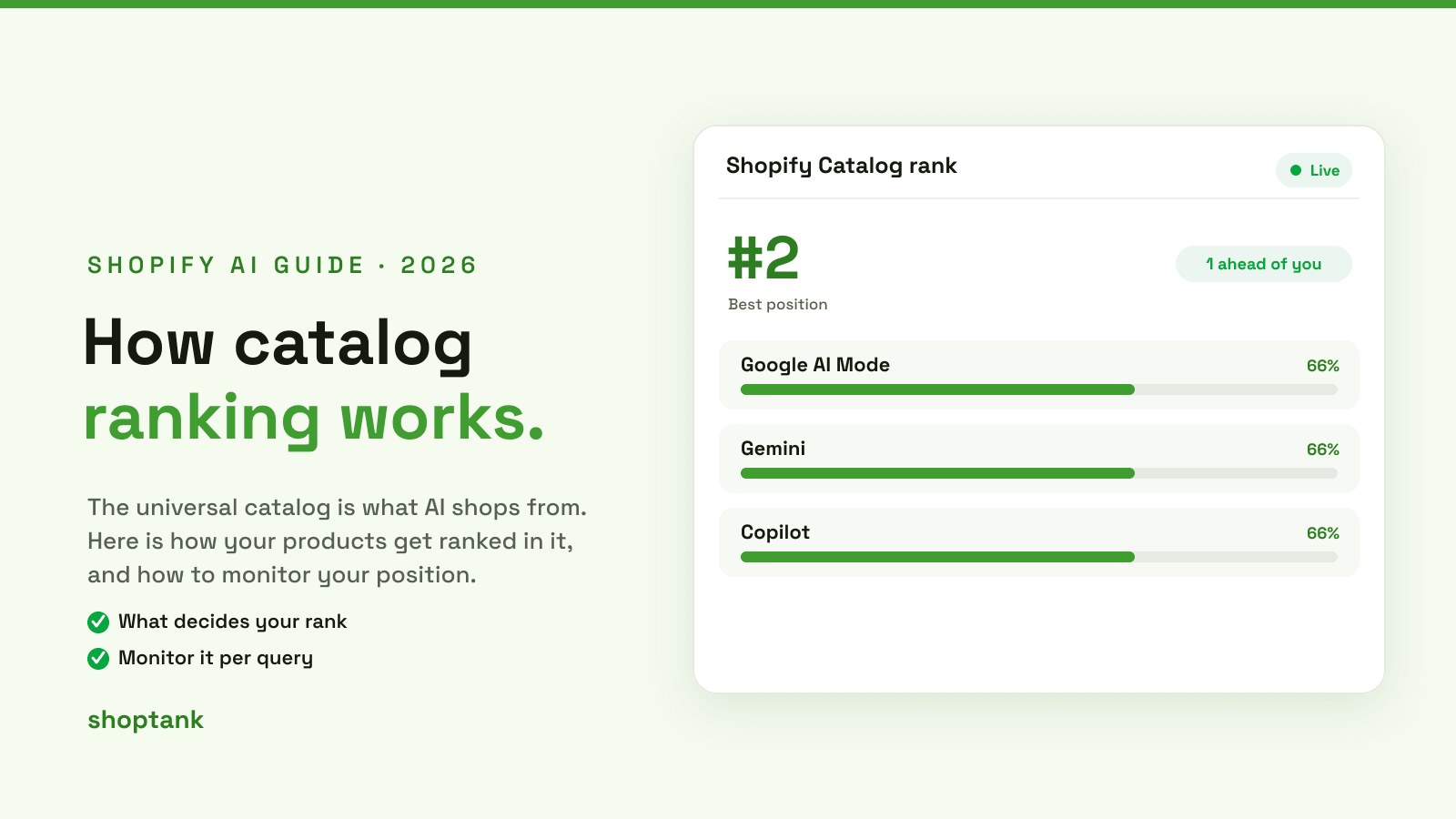
Two questions, one answer. Yes, Shopify's universal catalog has a ranking, and yes, you can monitor it. The harder part is understanding how the ranking is decided, because it does not work like a Google result. Here is what actually happens when AI shops the catalog, what moves your position, and how to watch it.
Key takeaways
- The universal catalog is the shared feed AI shops from. Your ranking is where your product lands when the catalog is queried.
- Rank is decided by relevance, data quality, category and trust, and it changes per query and per engine.
- You cannot monitor it by hand. Shoptank tracks your position per query, per engine, over time.
On this page
- What the universal catalog is
- How a ranking is decided
- What moves your position
- How to monitor it
- How to climb
What the universal catalog is
The universal catalog, or Universal Commerce Protocol, is the shared product feed behind Shopify Agentic Storefronts. Turn Agentic Storefronts on and your products syndicate into it, and AI shopping surfaces like Google AI Mode, Gemini and Copilot read from that one feed instead of crawling your site. If you want the setup side, see our guide on how the Shopify AI Catalog works. This post is about what happens next: the ranking.
How a ranking is decided
A ranking is not a fixed score on your store. It is produced fresh for each shopper question. The flow is simple to picture.

Because the order is built per question, the same product can be the top pick for one query and absent from another. Your ranking is really a set of rankings, one for every buyer query that matters to you.
What moves your position
Within that flow, four things decide where you land.

Relevance is how well your product data matches the query, so vague titles cost you. Data quality is complete titles, attributes and specs, so the catalog can tell what the product is and who it is for. Category is the right taxonomy, because a product in the wrong category is hidden from searches it should win. And trust, meaning reviews, availability and clear pricing, tips the order when products are otherwise close. Thin data or a wrong category is the usual reason a good product ranks low.
How to monitor it
Here is the catch: you cannot monitor this by hand. To know your rank you would have to run every buyer query against every engine and read each answer, then do it again next week to see if anything moved. That is what Shoptank automates. It records your position for each query, on each engine, and charts the trend, so a change shows up as a number instead of a guess.

If you just want the app answer, see the app that shows your Shopify Catalog ranking, or how to track your rank in ChatGPT specifically.
How to climb
Once you can see the rank, moving it is straightforward work: enrich your product data, fix your categories, add schema, and earn reviews, so each of the four factors above lands in your favor. Shoptank turns each gap into a ranked fix. For the full playbook, see our guide on why ChatGPT skips a store and our roundup of the best AI visibility tools for Shopify.
The only way to know your catalog ranking is to measure it. If you are on Shopify, you can start free.