How to Optimize Shopify Product Schema for ChatGPT Search
AI shopping assistants read your structured data before they read your marketing copy. If your Shopify Product schema is thin or wrong, ChatGPT, Claude and Perplexity cannot state your price, stock or rating with confidence, so they reach for a competitor they can. Here is exactly what to fix.
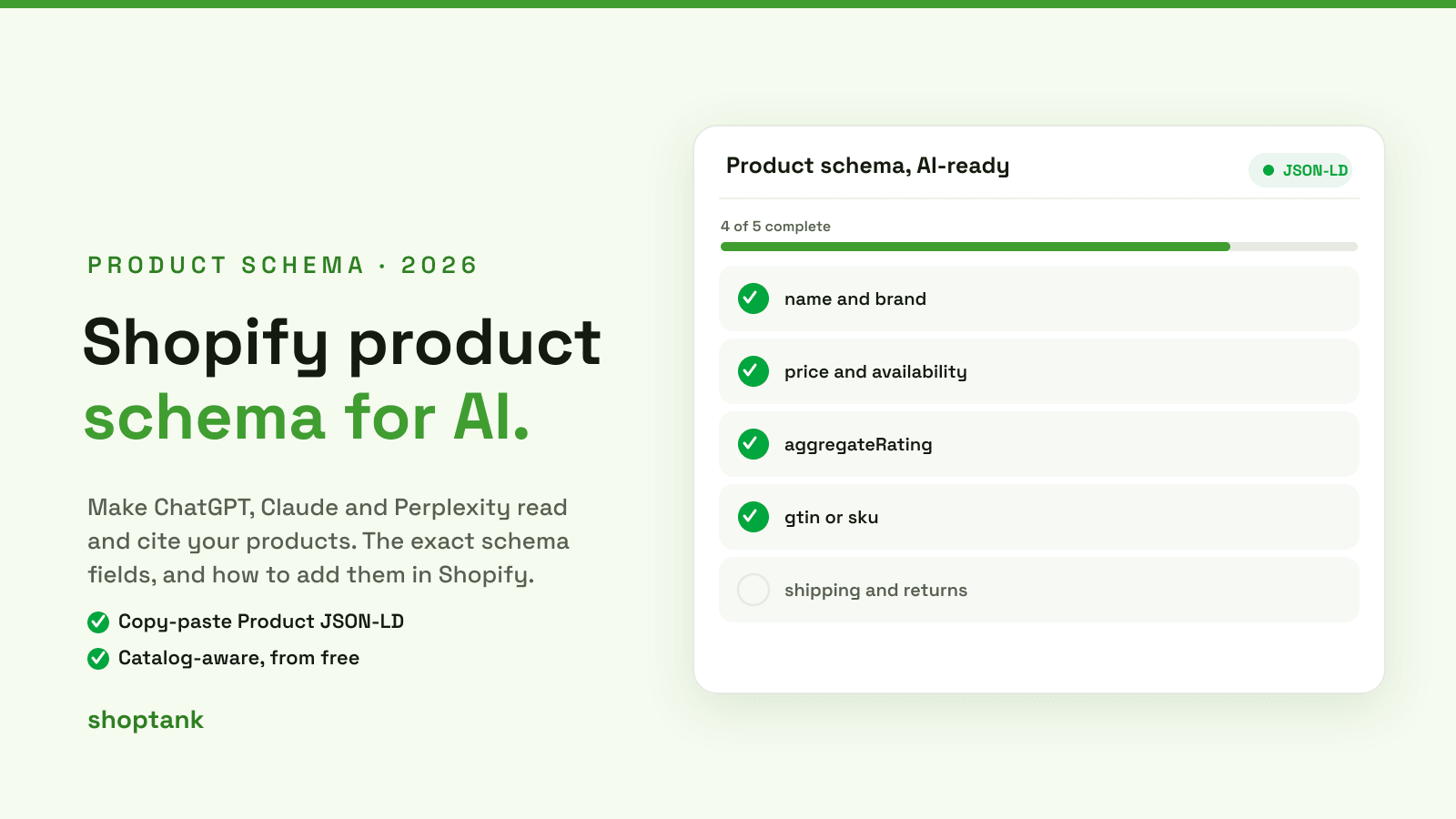
The short version: add complete Product JSON-LD to your Shopify theme with name, brand, description, image, sku or gtin, offers (price, currency, availability) and aggregateRating. Then validate it, and back it with third-party mentions. Schema makes you readable; readable is what gets cited.
What ChatGPT actually reads on a Shopify product page
When an assistant considers a product, it does not parse your theme's visual layout. It pulls the machine-readable signals first: your Product JSON-LD, your Open Graph tags, and the plain text of your description. Structured data is the highest-confidence source, because it is unambiguous. A price in a styled div is a guess; a price in offers.price is a fact. Give the model facts and it will represent you accurately.
The Product schema fields AI assistants use
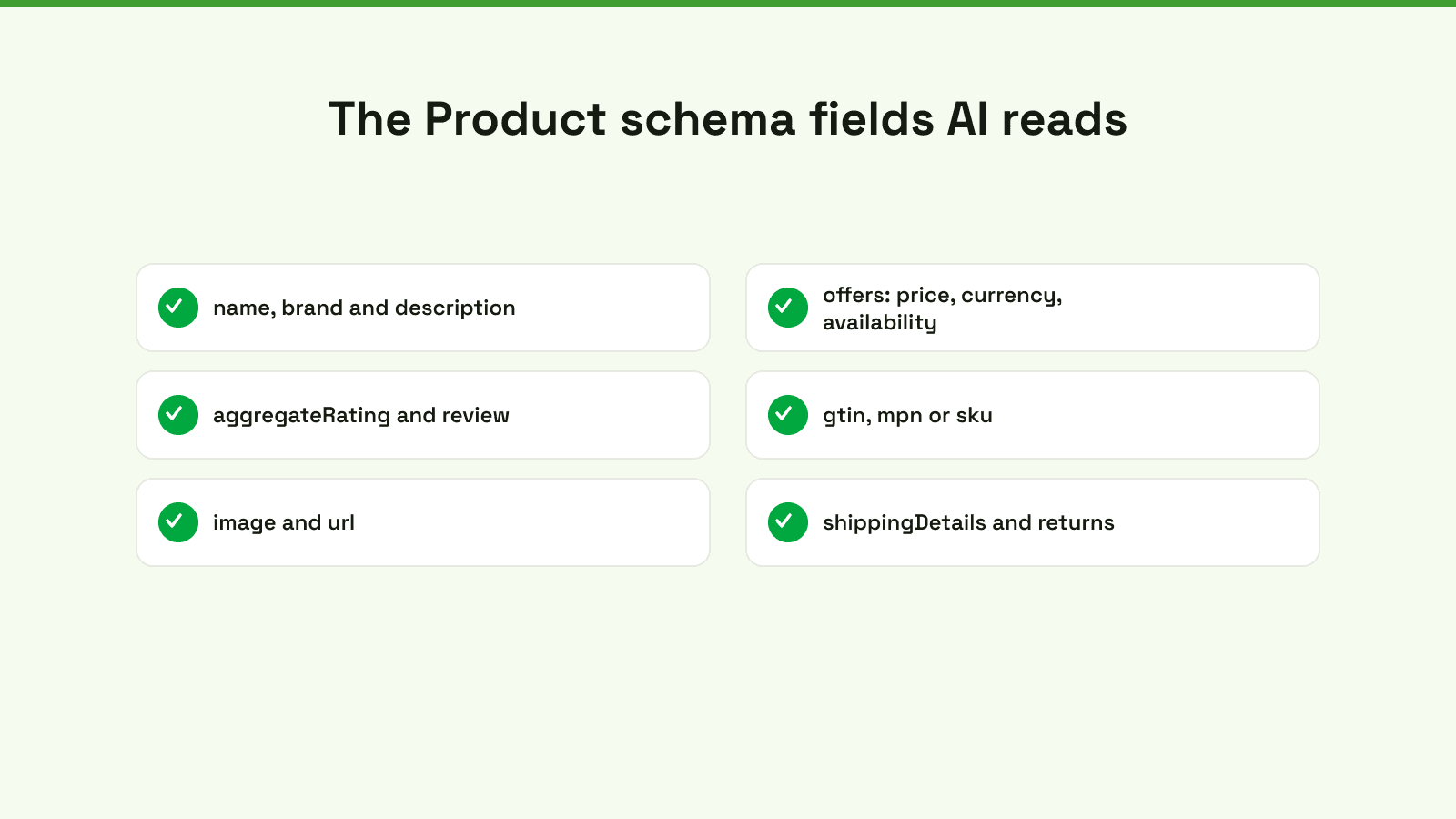
Not every schema field carries equal weight. These are the ones assistants lean on for shopping answers, and the ones most Shopify themes get wrong.
| Field | Why AI uses it | Example |
|---|---|---|
| name, brand | Identifies the exact product and maker so it can be matched to a query | "Ridgeline 152 Snowboard", brand "North Ridge" |
| description | Supplies the specifics the model quotes back to the shopper | Plain-text, spec-rich, no HTML |
| offers.price, priceCurrency | Lets the assistant state an accurate, current price | "399.00", "USD" |
| offers.availability | Avoids recommending something out of stock | https://schema.org/InStock |
| gtin, mpn or sku | Disambiguates your product from near-identical ones | "0810000000001" |
| aggregateRating, review | A trust signal the model weighs heavily for "best" queries | 4.7 from 128 reviews |
| image, url | Lets the answer link and preview the exact product | Absolute https URL |
| shippingDetails, returns | Increasingly used for shopping comparisons | Free shipping, 30-day returns |
How to add Product JSON-LD to Shopify
You have three options, in order of reliability.
1. In your theme's product template (recommended)
Add a JSON-LD block to your product section or template so it renders on every product with live Liquid values. This snippet outputs a complete Product object from your store data:
<script type="application/ld+json">
{
  "@context": "https://schema.org/",
  "@type": "Product",
  "name": {{ product.title | json }},
  "image": {{ product.featured_image | image_url: width: 1200 | prepend: "https:" | json }},
  "description": {{ product.description | strip_html | truncatewords: 60 | json }},
  "sku": {{ product.selected_or_first_available_variant.sku | json }},
  "brand": { "@type": "Brand", "name": {{ product.vendor | json }} },
  "offers": {
    "@type": "Offer",
    "url": {{ shop.url | append: product.url | json }},
    "priceCurrency": {{ cart.currency.iso_code | json }},
    "price": {{ product.selected_or_first_available_variant.price | divided_by: 100.0 | json }},
    "availability": "https://schema.org/{% if product.available %}InStock{% else %}OutOfStock{% endif %}"
  }
}
</script>
The | json filter is doing the heavy lifting: it escapes quotes and outputs valid JSON, so a product title with an apostrophe will not break your markup. Add aggregateRating only if you render real review data, never invent it.
2. Through metafields
If your data lives in metafields (GTINs, custom specs), reference them in the same block, for example product.metafields.custom.gtin. This keeps one source of truth and fills the fields Shopify does not expose natively.
3. Via an app
A schema app is the fastest path if you cannot edit theme code, but audit its output: many apps emit a minimal Product object and miss brand, gtin and rating. Whatever writes the schema, the validation step below is what proves it.
Beyond schema: the three signals that get a product cited
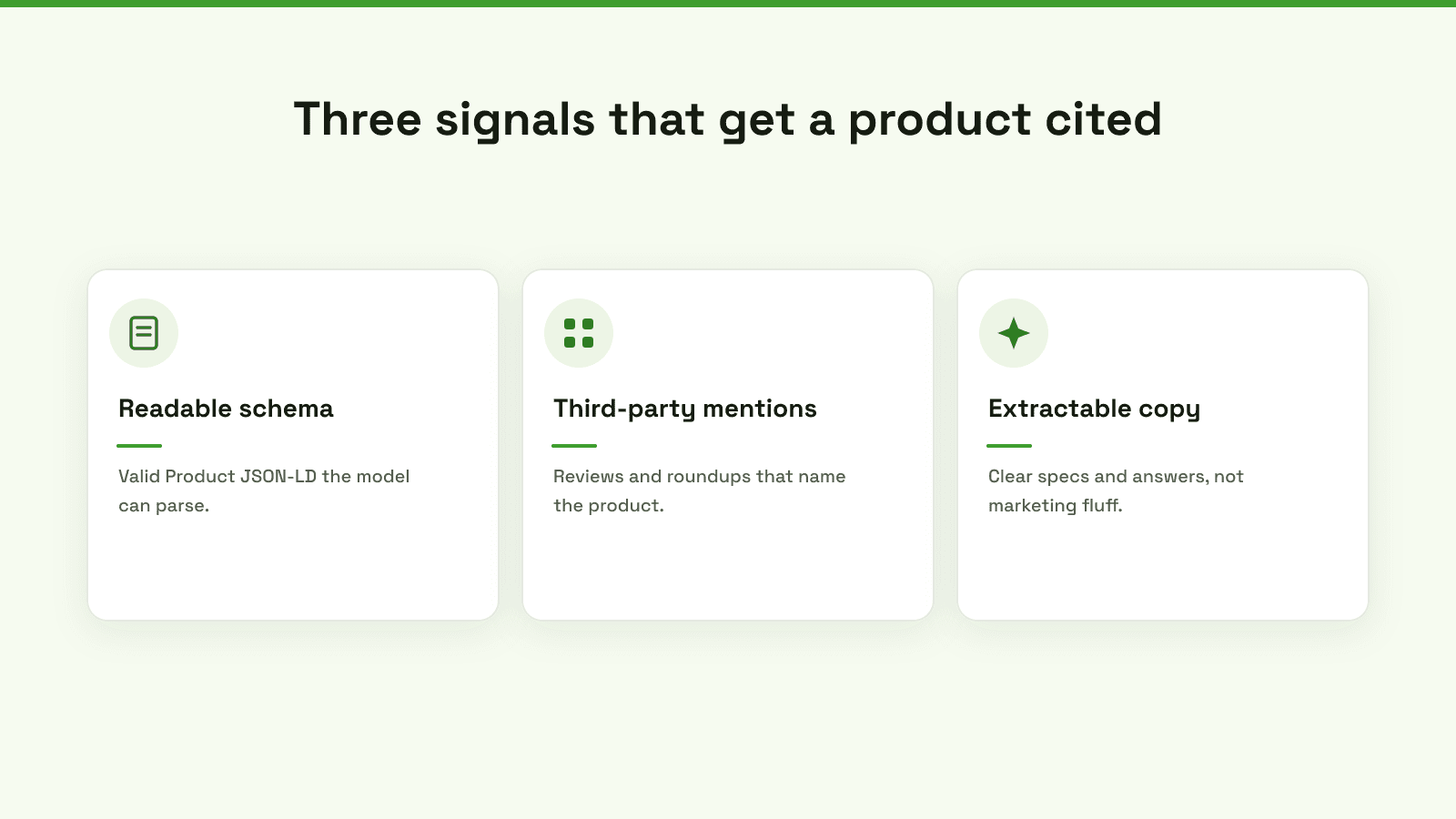
Perfect schema alone will not win the recommendation. It makes you eligible. These three together are what get a product named:
- Readable schema. Valid, complete Product JSON-LD the model can parse without guessing.
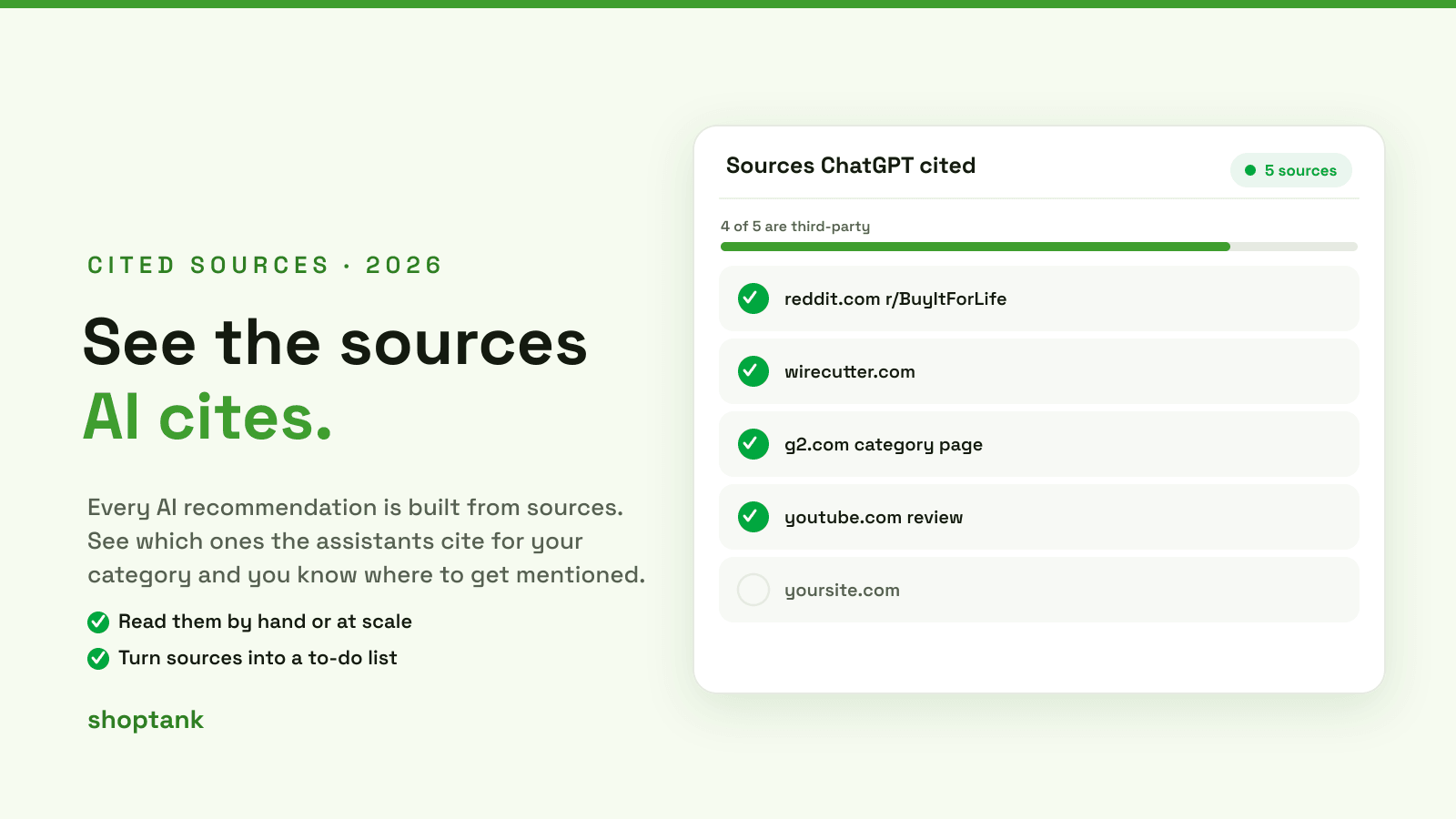
- Third-party mentions. Reviews, roundups and community threads that name the product. Assistants trust these more than your own site. See how to find the sources AI cites.
- Extractable copy. Descriptions written as clear specs and answers, not adjectives, so the model can lift a sentence verbatim.
How to validate it
Do not ship schema you have not tested. Run every product template change through both validators, fix errors, and re-test on more than one product.
| Check | Tool | Pass looks like |
|---|---|---|
| Valid Product markup | Google Rich Results Test | Product detected, no errors |
| Schema.org compliance | Schema Markup Validator | No errors or warnings |
| Price and availability live | View source on a live product | Real price, correct InStock or OutOfStock |
| Coverage across the catalog | Spot-check 5 products | Every one outputs complete JSON-LD |
Where this leaves you
Complete Product schema is the floor for AI shopping visibility, not the ceiling. Once your products are readable, the question becomes whether the assistants actually cite them, and who they cite instead. That is what Shoptank tracks for Shopify stores: it reads your catalog, checks your rank across ChatGPT and Claude, shows the sources cited instead of you, and drafts the fixes. Start with the schema above, then see where you stand, free. For the wider method, read AEO and GEO for Shopify.